A 404 error means the server can't find the requested page. Individual 404s are normal and harmless. It becomes critical when important pages or many URLs are affected: content drops out of the index, backlink value is lost, crawl budget is wasted and users leave. With 301 redirects, a helpful 404 page and regular monitoring, you have it under control.
Auf einen Blick
Occasional 404 errors are normal – no reason to panic.
Important pages returning 404 cost rankings, link equity and users.
Redirect moved content to relevant targets with a 301.
Check Search Console, analytics and crawlers regularly.
Create a redirect mapping before every relaunch.
Introduction
Sound familiar? You click on a link and instead of the page you expected, all you get is a “404 – page not found” message. Annoying, right? Every internet user has run into 404 errors like this. In this guide, you'll find out what the 404 error is all about and why it matters for website owners and SEOs. We start with the basics and then move on to advanced tips. You'll learn exactly what a 404 error is, when it becomes a problem, how it affects SEO and how to fix typical causes – and how to keep your website 404-proof with monitoring and best practices.
What is a 404 error?
A 404 error is the HTTP status code for “Not Found”. Put simply, the server couldn't find the requested page at the URL that was called. Imagine sending a letter to an address that doesn't exist – it comes back to you stamped “addressee unknown”. In the same way, the server uses the 404 status code to report that there is no page at the requested address.
For you as a user, a 404 error usually means that you clicked a broken link, mistyped the URL, or that the page has been moved or deleted. For website owners, 404 errors are nothing unusual – every website collects a few over time. What matters is understanding when a 404 error is harmless and when you need to act.
404 errors: When are they a problem, when are they harmless?
Not every 404 error is the end of the world. In fact, 404s are as much a part of the web as addresses are of letters. A 404 error is harmless, for example, when someone calls up a made-up URL that never existed. In that case the error is actually correct – the page doesn't exist and shouldn't exist. Search engines like Google even expect your website to return a 404 code for URLs that don't exist.
It becomes problematic when pages that actually exist or are important wrongly end up as 404s. If this happens to many users, it causes frustration: visitors are looking for something on your site and hit a dead end. That looks unprofessional and can make users leave. It's also critical from a search engine perspective when many important URLs suddenly lead nowhere. On the one hand, Googlebot wastes crawl budget (it keeps trying to load pages that don't exist); on the other hand, valuable content can drop out of the index if it permanently returns a 404.
So the rule of thumb is: occasional 404 errors are normal and no reason to panic. But if many users or important content are affected, you need to act. Large numbers of 404 errors often appear after major changes to a website (such as a relaunch) – so be especially careful there.
How 404 errors affect SEO
404 errors can affect your website's search engine optimisation in several ways. Here are the most important points:
Crawling & crawl budget
Search engine crawlers like Googlebot crawl your website regularly. If they run into lots of 404 errors, this can strain your crawl budget. Put simply, the crawl budget is the number of pages Google crawls on your website within a certain period of time. Every unnecessary 404 page that gets crawled is a missed opportunity for the bot to visit a working (and possibly important) page instead. A few 404s here and there are fine, but when hundreds or thousands of orphaned URLs exist, the crawler wastes time. In the worst case, important pages get crawled less often because the bot is busy with dead links.
Indexing and rankings
Pages that return a 404 status code are not (or no longer) listed in Google's index. That means any page on your website that returns a 404 can't be found in the search results. That's fine if the page is really meant to be gone. It's a problem when relevant content accidentally ends up as a 404 – it loses its rankings because Google removes it from the index. On top of that, incoming link equity (the ranking power passed on by backlinks) is lost when a linked page only returns a 404. The linking page points into the void, and the SEO value of the backlink is wasted. In short: many or important 404 errors can indirectly hurt your rankings because they take content and link power out of circulation.
User experience
Last but not least, too many 404 errors hurt the user experience. Imagine you're visiting a website and click on an interesting product link – but instead of information, you get “Page not found”. You'd probably be annoyed and might leave the website altogether. For website owners, that means lost potential customers or readers. A high bounce rate caused by frustrated users can also indirectly affect SEO signals (for example when users quickly click back to Google). That's why you should handle 404 errors in a way that ideally offers users an alternative instead of leaving them stranded.
Typical causes of 404 errors
Why do 404 errors happen in the first place? Here are some of the most common causes:
Renaming or moving content without a redirect: If you change the title or URL of a page (e.g. rename a category in your shop) and don't set up a redirect, the old URL leads nowhere. The same applies when you move articles to a new directory – without a redirect, old links break.
Deleting pages or products: In content management and shop systems, content is often deleted when it's outdated or a product is no longer available. By default, this usually results in a 404 error. When a popular product is taken out of the range, many users or external links may still point to the old product page – and hit an error.
Website relaunch or domain change: A relaunch is a classic source of 404 chaos, especially if the URL structure changes. Example: you switch from one shop system to another and your URLs suddenly look different. Without a redirect plan, none of the old links work anymore. Google doesn't know the new URLs yet but keeps trying to crawl the old ones – the result: masses of 404 errors. Careful redirect planning is therefore essential for every relaunch.
Dynamic URLs and technical errors: Some websites (or plugins) generate URLs automatically, for example for filters, search or session IDs. If something goes wrong here – such as a bug in a plugin – countless faulty URLs can appear that lead nowhere. Technical problems like these can create huge numbers of 404 errors in a short time (sometimes even millions, if a loop occurs).
Seasonal or temporary pages: Many marketing teams create temporary pages (e.g. landing pages for Easter, Christmas or sales campaigns). Once the campaign is over, these pages are often removed without a redirect. If the old links are still circulating somewhere, every campaign creates a new wave of 404 errors.
External links and typos: Not every broken link is your fault. Another website may have linked to your page incorrectly (e.g. with a typo in the URL), or there are still external links to old content you've removed. Users who type in URLs manually also make typos. These external factors lead to 404 errors on your site even though everything is linked correctly internally.
Malicious attacks or spam: In rare cases, spam bots deliberately request large numbers of invalid URLs, for example to disrupt crawling. Fortunately, such “attacks” are rare and Google usually recognises and ignores them – but they can cause an unusually high number of 404 errors in your logs or Search Console for a short time.
How to fix 404 errors
Fortunately, you don't have to simply accept 404 problems. There are several solutions and strategies to fix 404 errors or reduce their impact:
Set up 301 redirects: The best solution for content that has been permanently removed or moved is a permanent redirect (301). It sends users and search engines from the old, no longer available URL to another suitable page, so neither ends up in a dead end – both land on a useful alternative. In an online shop, for example, you could redirect sold-out products to the matching category (e.g. all “Winter Boots XL” pages to the general “Winter Boots” overview). A 301 redirect works like a mail forwarding request at the post office: it tells the browser and Google that the requested address has moved permanently. As a result, most of the SEO value (the link strength of the old URL) is preserved.
Use 302 (temporary) redirects only in exceptional cases: A 302 redirect says that the redirect is only temporary. Use it sparingly – for example when a page is offline for a short time and will be back soon. For permanent changes, a 302 is the wrong choice; always use a 301, otherwise Google assumes the old page might return and may keep it in the index longer.
HTTP 410 Gone – permanently removed: If you've deleted a page for good and there really is no replacement at all, you can send the status 410 Gone instead of 404. A 410 tells search engines: “This page is gone and won't come back.” As a result, Google normally recrawls the URL less often after a 410 than after a 404 (where the bot may keep checking for a while to see whether the page reappears). A 410 can be useful to make clear to Google that this URL isn't worth any more time. But note: for users, a 410 is just as much a “not found” experience as a 404 – the difference is mainly technical.
Provide a user-friendly 404 page: No matter how hard you try, there will always be a few 404 errors. That's why you need a good 404 page. Make your error page helpful – and maybe even a little charming: offer links back to the homepage or to popular categories, a search function, or a message like “The page you were looking for no longer exists, but here are some of our top offers.” That turns a negative experience into a chance to keep visitors on your site. Important: the error page itself must of course return the HTTP status 404. If your 404 page is delivered as “OK” (200), Google won't recognise that there's actually an error.
Use redirects with care: Only redirect where it makes sense. If you really don't have a suitable replacement for a missing page, it's better to leave the 404 than to send users to a completely irrelevant page. A common mistake is redirecting all 404s to the homepage across the board. That confuses users, and Google often treats it as a “soft 404” (an error that hasn't actually been solved). If you redirect, choose thematically related content – or rely on a well-designed 404 page that helps users.
Quick removal from the index (emergency tip): If you need to remove a page from Google's search results immediately (e.g. for legal reasons), you can use the “Removals” tool in Google Search Console. It hides a URL from the search results for a limited time. But this is only a temporary fix – you still need to return a proper 404 or 410 or set up a redirect to solve the problem permanently.
Monitoring and detecting 404 errors
To get 404 errors under control, you first need to find them. Here are a few ways to track down broken links and error pages:
Google Search Console: Search Console is your first port of call. In the page indexing report, you'll find the URLs that returned a “Not found (404)” error – every URL where Googlebot received a 404, including when Google last tried to crawl it. This gives you a good overview of which 404s Google considers relevant. (Note: the web interface shows a maximum of 1,000 URLs. For larger websites you can export the data via the API, but in most cases the top error pages are enough.)
Use analytics data: A very practical approach is to look at your web analytics tool (e.g. Google Analytics, Matomo). There you can see whether real users have landed on 404 pages. For example, filter by page title or URL containing “404” or “not found” – this shows you every page view where users saw an error page. This list is worth its weight in gold: it shows which broken links actually get traffic and should be prioritised. If many visitors arrive via a specific broken link, fix or redirect it as soon as possible.
Use crawling tools: To check your own website technically, crawlers such as Screaming Frog, Sitebulb or Xenu are a great help. They crawl your entire website like a search engine bot and report all broken internal links. That lets you systematically find every internal link pointing to a 404 page. Fix these internal links right away (update or remove them) – they're entirely under your control and easy to correct.
Check backlinks for broken links: Don't just look for 404 links internally, but externally too. With SEO tools (Ahrefs, Semrush, Majestic etc.) or the “Links” report in Search Console, you can check whether other websites link to URLs on your site that return a 404. These backlinks are wasted potential! If you find valuable external links that lead nowhere, set up a 301 redirect from the old URL to a suitable current page. That way you keep the link equity, and visitors from the other website still end up on your site instead of on an error page.
Monitor regularly: Make it a habit to check your website for 404 errors regularly. It doesn't have to be daily – a monthly look at Search Console and analytics plus a quarterly crawl work wonders. That way you catch creeping problems early, before hundreds of broken links pile up.
Best practices and regular maintenance
Finally, a few best practices to keep major 404 problems away for good:
Plan redirects whenever you make changes: Whenever you change a URL or remove content, think about the redirect. For bigger updates (e.g. a relaunch), it's best to keep a list or spreadsheet that maps old URLs to new ones. That way no old link is left behind.
Choose relevant redirect targets: Only redirect a deleted page to another one if the new page is relevant for the user. With similar content, that's ideal (product A → product B, old blog post → similar blog post). If there's nothing suitable, leave the page as a 404 (or 410) and offer alternatives on the error page instead of setting up a misleading redirect.
Design a user-friendly 404 page: Invest a little time in your 404 error page. Add a search, link suggestions (top articles, categories) and a friendly error message. A touch of humour or a creative design doesn't hurt either – it makes users more likely to keep browsing instead of leaving in frustration.
Keep internal links up to date: Check your internal links, especially after major changes (category deleted, article moved). Nothing is more embarrassing than links on your own website that lead nowhere. A crawler or your CMS can help you find and fix broken internal links quickly.
Repair broken backlinks: Check the backlink reports in your SEO tool or Search Console from time to time (e.g. once a quarter). If high-quality external websites link to a page that no longer exists, fix that first – set up a redirect or even restore the content if the link is really important.
Keep an eye on your crawl budget: Especially on large websites, make sure you don't waste Google's crawl budget on unnecessary 404s. For example, remove pointless endless filter URLs or exclude them via robots.txt so Google doesn't get stuck on them. Fewer junk URLs mean more efficient crawling of your important content.
Don't panic over a few 404s: It's almost impossible to eliminate all 404 errors – and you don't have to. Google is pretty smart and ignores occasional 404s over time. A few errors in Search Console are completely normal. What matters is that you stay in control: if there's a sudden spike or important pages are affected, act – otherwise you can take minor errors in your stride.
Establish a regular routine: Set a recurring appointment (e.g. once a month) to check the tools mentioned above. This ongoing maintenance makes sure 404 problems never get out of hand. Fixing 5 broken links a month is much easier than fixing 500 after a year of neglect.
Plan ahead for relaunches: One last tip: if a relaunch or major restructuring is coming up, plan your URL redirects in advance. Create a redirect mapping of old to new URLs and test it right after the relaunch. That way you catch most 404 errors before users or Google ever see them.
If you follow these best practices, you don't need to worry about 404 errors. They're part of everyday life for every website, but when managed well, they do no harm. On the contrary: a well-maintained website with working links offers a better user experience and sends positive signals to search engines.
Fazit
404 errors don't have to scare you. By understanding the causes, using the right detection tools and applying a few proven countermeasures, you'll keep your website healthy and your visitors happy. So take some time for 404 management – it pays off for your SEO and your users alike.
Latest posts
Knowledge Base
Interviews, tips, guides, news and best practices on the topics of search engine optimisation, SEA and digital strategy.
From audits no one implements to tool overkill and perfectionism in the wrong places: The 7 most common budget killers in SEO projects – and how to protect your budget.
Germany's minimum wage 2026/27 + ripple effect = up to 7 % margin loss per parcel. What it costs in practice, why returns double the effect, and 4 strategic levers e-commerce managers should pull now.
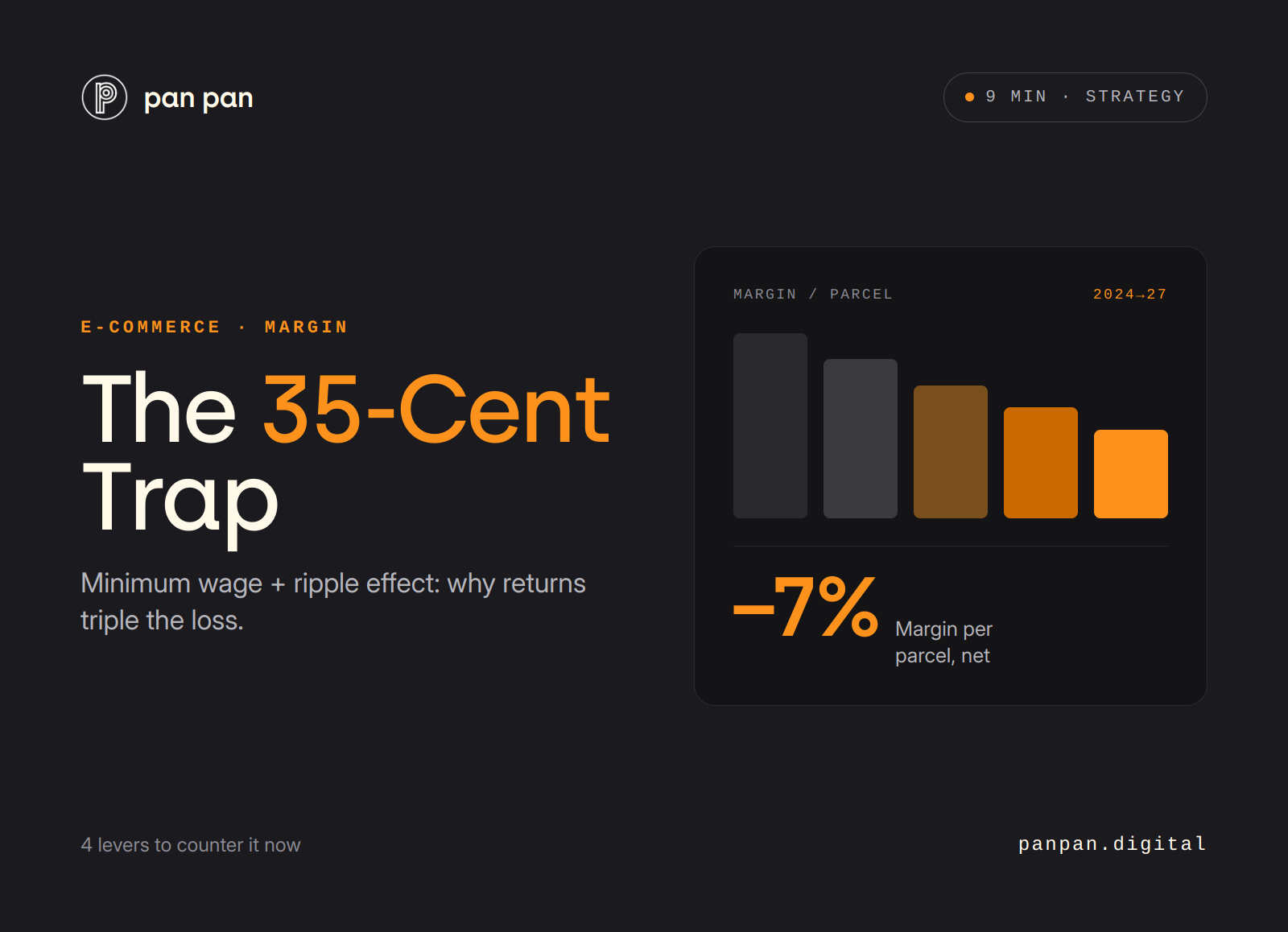
Germany's minimum wage 2026/27 + ripple effect = up to 7 % margin loss per parcel. What it costs in practice, why returns triple the effect, and 4 strategic levers e-commerce managers should pull now.